Checklist: 10 points to review on your home page today
Ten checks you can run yourself, with no paid tools, to see whether your home page says the basics about your business.
By Adrián Martínez · · 6 min read
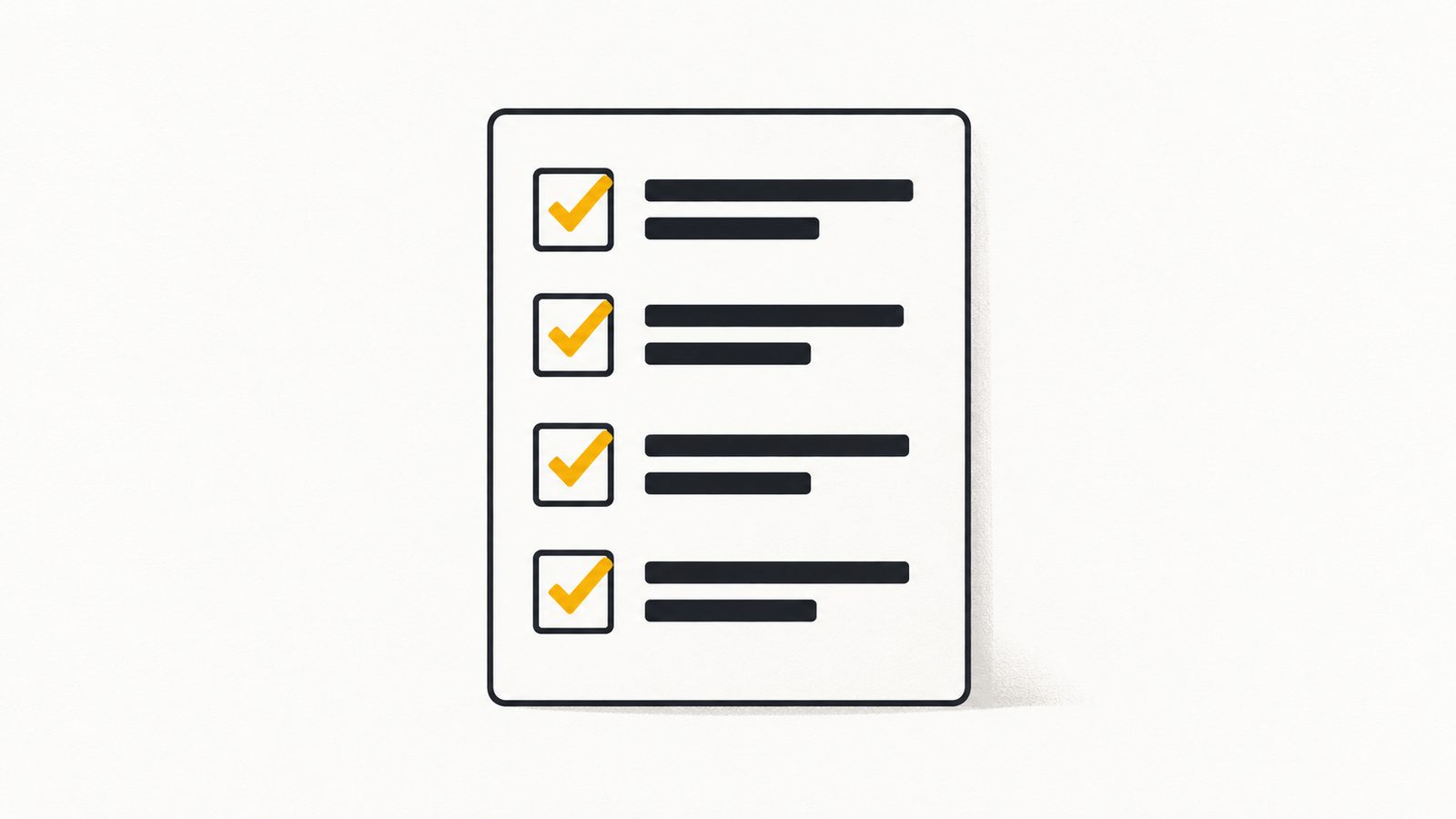
Your home page is complete if, without clicking anything else, it says what you do, where you are, how to contact you and when you are open, with that text actually written out (not inside an image), and if it opens properly on a phone. There are ten checks and each takes about a minute with the page open. We built them from what we measured in our own review of 330 local-business websites, so at the end of each point we tell you why we included it.
Before you start, one clarification that matters. This list checks basic signals; it does not measure rankings and it does not promise that you will appear anywhere. It is the housekeeping any business page should have before thinking about anything more sophisticated. Every figure in this article comes from this review:
Review of 330 local-business websites in Guadalajara, Querétaro and Monterrey, 20 Oct 2026. Basic signals from the home page; does not measure rankings.
What any visitor sees
1. A main heading that says what you do and where
Look at the first screen without scrolling. There should be one large sentence that answers two things: what you offer, and for whom or where. “Welcome to our website” doesn’t count. In the code, that heading is marked as the main heading (h1), and Google uses headings as one of the sources for the title it shows in its results. In our review, 75 of 324 sites had no h1 (23%).
2. Address and phone number written as text
An easy test: try to select the phone number with your cursor. If you can copy it, it is text. If you can’t, it is an image. Besides being more convenient for a customer on a phone, having the detail as text lets any program read it. In the review, 292 of 324 sites (90%) showed an address or phone number in the text of the home page.
3. Opening hours in plain view
This was the signal most often missing: on 149 of 324 sites (46%) we detected no opening hours written on the home page. That does not mean those businesses don’t publish them elsewhere; it means they were not there. If your customer has to go to another page, to an image or to your Google listing to find out whether you are open today, you are making extra work for them. Include the days and hours, and the holiday closures.
4. Enough text to understand the business
If your home page is one big photo and three words, whoever reads it learns nothing. You don’t need an essay: a few short paragraphs with your services, your area and what sets you apart. In the review, 26 of 324 sites (8%) had fewer than 1,500 characters of visible text, which is barely more than a couple of paragraphs. That threshold is one we chose ourselves, not a Google rule.
Want us to go through it with you?
If you work through the list and aren’t sure about an answer, send us your page’s address and we will review it point by point.
What Google reads
5. A unique, descriptive page title
The page title is the text that appears in the browser tab and the basis of the title Google shows in its results. Google recommends that every page has its own title, that it be descriptive and concise, and that it avoid vague words such as “Home” for a home page. For example: “Dentist in Querétaro | Example Clinic”, not “Home”. To see yours, hover over your page’s tab.
6. A short description that explains the page
The meta description is text that visitors don’t see on the page, but that Google sometimes uses as the line under the title in its results. According to Google, a meta description is a short, relevant summary of what the page is about, and each page should have its own rather than repeating the same one across the site. You don’t fully control when Google uses it: snippets are built mostly from the page content. Even so, writing it well takes five minutes.
7. The hidden profile of your business
This is the structured-data block that describes your business in a format machines can read without guessing. Open your page’s source code (right-click, “View page source”) and search for ld+json. In the review, 93 of 324 sites (29%) had no structured data of any kind, and 213 (66%) did not declare what type of local business they are. Google says having it does not guarantee any special feature, but that it gives explicit clues about what your page is.
The hidden profile of your websiteWhat that profile is, which fields it includes and how to validate it with Google’s tools. →What breaks silently
8. That it looks right on a phone
Google uses the mobile version of your site for indexing and ranking, and asks that the content be equivalent to the desktop version. Open your page on your phone and ask yourself whether you can read without pinching to zoom, whether the call or message button is within reach of your thumb and whether the menu opens. The technical check for this point is the viewport tag, which tells a phone how to fit the page: 321 of 324 sites (99%) had it, so it is one of the points that fail least. A tag being present doesn’t prove the experience is good; you only see that by opening the page on a phone.
9. That nothing blocks search engines or assistants
To appear on Google, the page must be reachable (Googlebot not blocked), respond correctly and have indexable content. For a site to be shown in ChatGPT’s search answers, OpenAI indicates that OAI-SearchBot must not be blocked in robots.txt; Perplexity recommends allowing PerplexityBot. Type your-domain.com/robots.txt into the browser: if you see a Disallow: / line under a bot, ask who put it there. In the review, only 6 of 285 readable robots.txt files blocked any AI bot, and we don’t know whether that was the business’s decision or its provider’s setup.
10. That it matches your Google listing
The last point crosses two sources: what your page says and what your Google Business Profile says. Name, address, phone number and hours must be identical in both. A single difference is enough for a customer to doubt which one to believe. If you answer customers on WhatsApp, make sure the number shown in both places is the one you actually monitor.
How to read your result
There is no official score, and ours is a working list, not an exam. To put things in order:
- 9 to 10 points: your home page has the basics. Move on to improving the content and the way you capture contacts.
- 6 to 8 points: there are specific gaps. The ones most often missing in our review were the opening hours and the hidden profile, and they are usually quick to fix.
- 0 to 5 points: the page is not doing the minimum. Before paying for advertising, it is worth fixing the foundation or rebuilding it.
To gauge how hard a perfect ten is: in our review, only 50 of 324 sites (15%) met six basic signals at once (a local-business profile, address or phone number in the text, opening hours, a main heading, the phone tag and at least 1,500 characters of text). It is a combination we chose to summarize, not a standard. And the study does not say what happened to the traffic or sales of any of those sites.
What we found reviewing 330 local-business websitesThe full method of the review, with every figure and the limits of the sample. →Byte and Brand websitesIf you want the new page to launch with these ten points already solved, this is how we work. →If you scored lower than you expected
Tell us how many points you got and which ones are missing. We will tell you frankly whether it can be fixed or whether it is better to start over.
Sources consulted
- 1.Google Search Central: Influencing Title Links in Google Search
- 2.Google Search Central: How to Write Meta Descriptions
- 3.Google Search Central: Mobile-first Indexing Best Practices
- 4.Google Search Central: Google Search Technical Requirements
- 5.Google Search Central: Intro to How Structured Data Markup Works
- 6.OpenAI: Overview of OpenAI Crawlers
- 7.Perplexity: Perplexity Crawlers